Fornisci
Il giornale in Excel o CSV e il criterio di campionamento.

Campionamento contabile
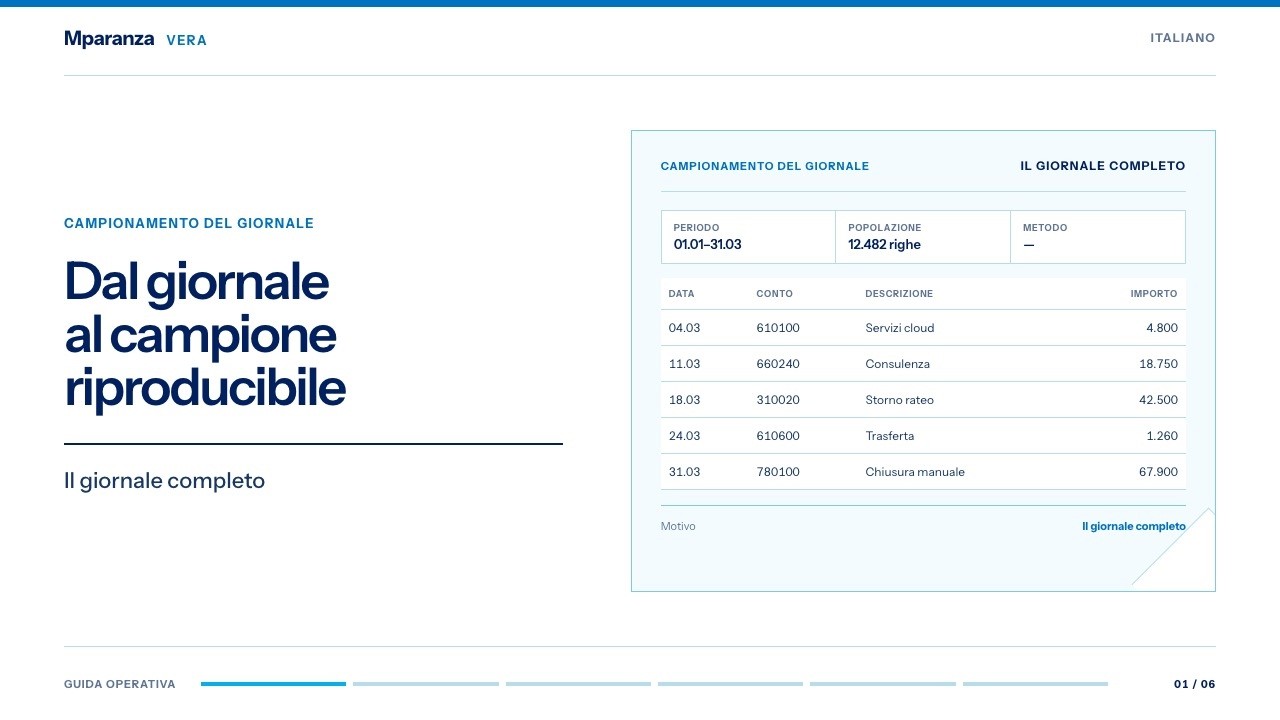
Trasforma giornali contabili variabili in campioni che il revisore può ripercorrere.
Fornisci un giornale leggibile e un metodo di campionamento. Ottieni popolazione normalizzata, campione, seed, filtri e controlli di lettura.
Il lavoro in breve
Vera qualifica il layout con il professionista, poi mette ordine nella popolazione, conserva le scelte di campionamento e prepara il controllo delle scritture.
Il giornale in Excel o CSV e il criterio di campionamento.
Una popolazione coerente, i filtri applicati e una selezione ripetibile.
Il campione in Excel e CSV, con parametri e traccia pronti per la verifica.
Percorso
Le scelte che cambiano il campione restano visibili nel lavoro.
Codex propone struttura e ruoli dei campi; il professionista li conferma. Se il layout non è affidabile, il lavoro si ferma.
Dopo la conferma, il codice uniforma colonne e valori mantenendo visibili le righe che chiedono attenzione.
Usa metodo, filtri, seed e dimensione concordati per selezionare il campione.
Consegna le righe selezionate e il contesto necessario al controllo dei supporti.
What it does
Use it when a journal is readable but not standardized: Excel, CSV or supported print-style Excel. Codex proposes a preparation recipe; the professional confirms the field roles before deterministic sampling begins. Unsupported layouts stop instead of producing plausible data.
input/
  journal.xlsx
  print_export_from_pdf.xlsx
  general_journal.csv
out/
inspection.json
suggested_recipe.json
normalized_journal.csv
normalization_diagnostics.json
sample/
journal_sample.csv
journal_sample.xlsx
sampling_audit.jsonInputs
Works with files already available in the firm's Codex workspace. Text and scanned PDFs cannot supply sampling rows: provide an Excel or CSV export with reviewed mappings.
Outputs
The result is a reviewable work folder: recipe, normalized population, sample files, reading checks and review trail.
The inspection step proposes the accounting columns and asks only for essential unresolved choices: header row, account column, debit/credit convention or sample assumptions.
The resulting folder keeps extraction, normalization, filters, sample seed and exports visible, so a reviewer can repeat or challenge the selection.
Reading gaps stay visible instead of being hidden in the final sample.
Use
Open the work folder, confirm the essential field choices and generate the sample package.
Guida operativa
La guida segue popolazione, metodo, selezione e motivazioni nello stesso filo di lavoro.
Per iniziare
Indica cartella, metodo e dimensione. Vera organizza il resto del percorso.
Usa Journal Sampling sulla cartella /percorso/input. Metodo: random. Dimensione: 25. Prepara popolazione normalizzata, campione e parametri del lavoro.Trattamento dei dati
Il modello riceve le istruzioni e può vedere lo stesso contesto Studio Archive di cliente, incarico e run, la ricevuta e il percorso del file selezionato. Intestazioni, contenuto fornito o righe normalizzate possono essere aperti quando servono a risolvere una specifica ambiguità di mappatura.
Per ogni file l'ispezione prepara al massimo le prime 20 righe canoniche: data, numeri di movimento e riga, conto e descrizioni, dare, avere, importi, valuta, unità e posizione nel file.
Dopo aver confermato la corrispondenza delle colonne, il codice controlla e campiona l'intero giornale. Il modello riceve come è stato scelto il campione, i conteggi principali, lo stato dei controlli e della revisione e fino a 750 righe selezionate, con tutti i 17 campi contabili e di origine. Non riceve il registro del cliente e dell'incarico, i file interni usati per gestire la revisione, i percorsi sul computer o gli orari di elaborazione. I riferimenti ai file sono sostituiti da codici neutri.
Il modello usa sempre lo stesso campione ridotto. Quando sono disponibili gli strumenti integrati, il server controlla localmente i dati completi, restituisce soltanto le informazioni ridotte previste e può salvare e applicare la revisione; in caso contrario, i file consegnati e la procedura locale di Studio Archive mantengono gli stessi limiti e la stessa tracciabilità. I riferimenti tecnici sono sostituiti da codici neutri, ma questo non pseudonimizza i dati professionali: nomi, conti, descrizioni, identificativi, date e importi restano quando servono. Non c'è anonimizzazione automatica né garanzia di elaborazione solo locale.